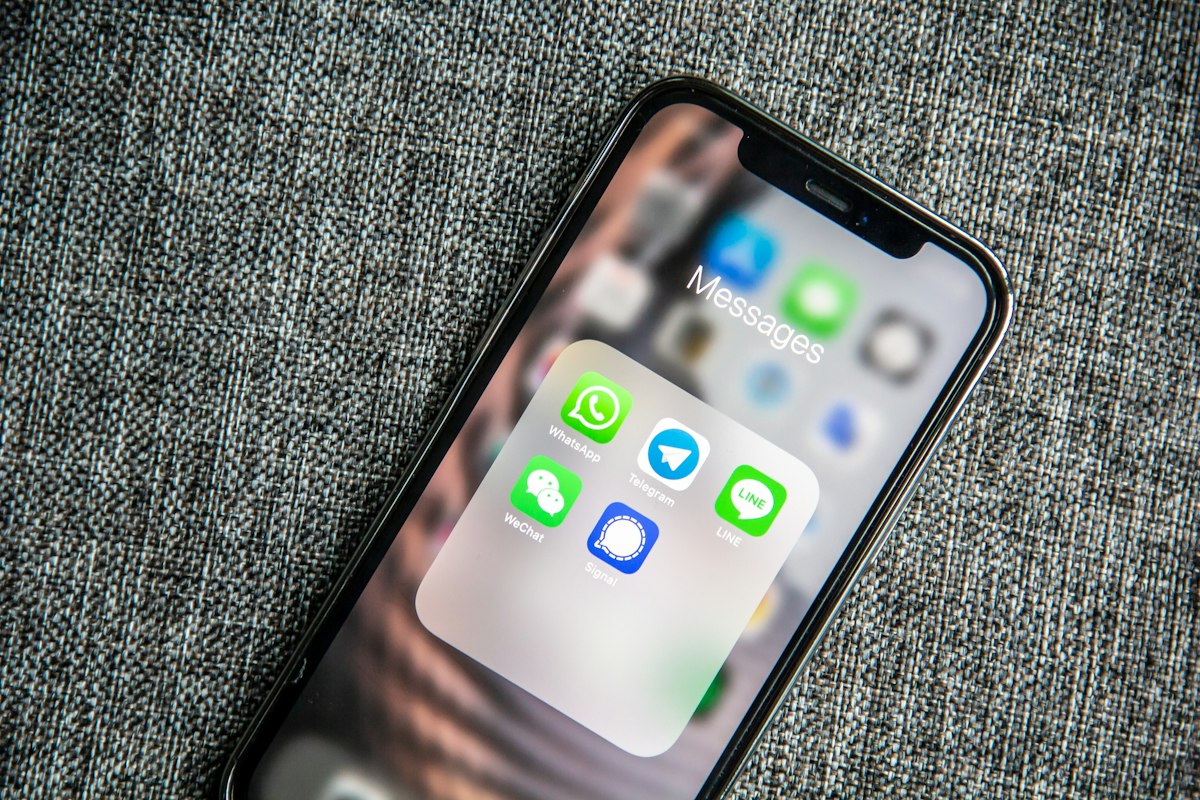
WhatsApp Chatbots for Hotels: The Complete 2025 Guide
TL;DR: WhatsApp chatbots for hotels handle 80% of guest inquiries automatically, reduce response times by 60%, and support 100+ languages instantly. Implementation takes 4-6 weeks with hospitality AI specialists like Jengu, with typical ROI achieved in 3-6 months through 40+ hours saved weekly on repetitive tasks.
If you’re a hotel manager or owner looking to improve guest communication while reducing staff workload, this guide covers everything you need to know about implementing WhatsApp chatbots in 2025.
Why WhatsApp for Hotels? The Numbers Don’t Lie
Before diving into implementation, let’s look at why WhatsApp has become the preferred communication channel for hotels:
Guest Preference Statistics:
- 61% of hotel guests prefer communicating via WhatsApp or social media over phone calls
- 70% of guests find chatbots helpful for simple inquiries
- 58% of guests feel AI improves their hotel booking and stay experience
- 2+ billion users make WhatsApp the most widely-used messaging platform globally
Hotel Performance Metrics:
- Hotels respond 60% faster using WhatsApp bots compared to phone or email
- AI chatbots handle 75-80% of guest inquiries without human intervention
- Properties see 40% reduction in front desk call volume
- Response time drops from hours to seconds
“Since WhatsApp is one of the most used messaging apps worldwide, hotels can reach their guests where they are already active. Guests can ask questions, make bookings, or request services—all through the familiar WhatsApp chat.”
What Can a Hotel WhatsApp Chatbot Do?
Modern hotel WhatsApp chatbots go far beyond simple FAQ responses. Here’s what Jengu’s multilingual chatbot solutions can handle:
Pre-Arrival
- Booking inquiries — Room availability, rates, and packages
- Reservation confirmations — Automatic booking confirmations with details
- Pre-arrival information — Check-in times, directions, parking info
- Special requests — Early check-in, room preferences, celebrations
- Upselling — Room upgrades, spa treatments, dining reservations
During Stay
- Room service orders — Food and beverage ordering through chat
- Housekeeping requests — Extra towels, cleaning, amenity refills
- Concierge services — Restaurant recommendations, local attractions
- Maintenance issues — Report problems instantly
- Wi-Fi assistance — Password delivery and troubleshooting
Post-Stay
- Feedback collection — Automated satisfaction surveys
- Review requests — Gentle prompts for online reviews
- Lost and found — Handle forgotten item inquiries
- Loyalty engagement — Special offers for returning guests
How Do WhatsApp Chatbots Handle 100+ Languages?
One of the most powerful features of AI-powered WhatsApp chatbots is instant multilingual support.
Traditional approach:
- Hire multilingual staff (expensive and limited availability)
- Use translation apps (slow and awkward)
- Hope guests speak your language (poor experience)
With Jengu’s AI chatbots:
- Automatically detect guest’s language
- Respond fluently in 100+ languages
- No translation delays
- Consistent quality across all languages
- 24/7 availability in every language
This is particularly valuable for:
- International resort destinations
- Airport hotels
- Business hotels in major cities
- Properties targeting diverse markets
“Hotels can communicate with international guests in their native language, without delays or translation errors.”
How Much Staff Time Do WhatsApp Chatbots Save?
Let’s break down the numbers for a typical 100-room hotel:
Before WhatsApp Automation
| Task | Daily Volume | Time per Inquiry | Daily Staff Hours |
|---|---|---|---|
| Wi-Fi password requests | 40 | 2 minutes | 1.3 hours |
| Check-in time questions | 25 | 3 minutes | 1.25 hours |
| Restaurant/bar hours | 20 | 2 minutes | 0.7 hours |
| Directions to hotel | 15 | 4 minutes | 1 hour |
| Room service information | 30 | 3 minutes | 1.5 hours |
| Total | 130 | — | 5.75 hours |
After WhatsApp Automation
| Task | Handled by Bot | Human Escalation | Staff Time Saved |
|---|---|---|---|
| Wi-Fi password requests | 100% | 0% | 1.3 hours |
| Check-in time questions | 100% | 0% | 1.25 hours |
| Restaurant/bar hours | 100% | 0% | 0.7 hours |
| Directions to hotel | 100% | 0% | 1 hour |
| Room service information | 95% | 5% | 1.4 hours |
| Total Saved | — | — | 5.65 hours/day |
That’s 40+ hours per week redirected from repetitive tasks to high-value guest interactions.
How Do You Implement a Hotel WhatsApp Chatbot?
Step 1: Define Your Use Cases
Start by identifying your highest-volume, most repetitive inquiries:
- Audit current communication channels — What questions come up most?
- Categorize by complexity — Which can be automated vs. need humans?
- Prioritize by impact — Focus on highest-volume tasks first
Step 2: Choose the Right Platform
Key features to look for:
- WhatsApp Business API access — Official integration, not grey-market solutions
- Multilingual AI — Not just translation, but natural conversation
- PMS integration — Connect to your property management system
- Human handoff — Seamless escalation to staff when needed
- Analytics dashboard — Track performance and identify improvements
Step 3: Build Your Knowledge Base
The chatbot needs accurate, comprehensive information about your property:
- Room types and amenities
- F&B outlets and menus
- Policies (check-in/out, cancellation, pets, etc.)
- Local information and directions
- Pricing and packages
- FAQs from past inquiries
Step 4: Set Up Conversation Flows
Design natural conversation paths for common scenarios:
Example: Booking Inquiry Flow
Guest: Do you have rooms available next weekend?

Bot: I'd be happy to check availability for you! 🏨

Could you please share:
• Check-in date
• Check-out date
• Number of guests

Guest: March 15-17, 2 adults

Bot: Great news! For March 15-17 (2 nights, 2 guests), we have:

🛏️ Deluxe Room — €189/night
🌊 Sea View Suite — €289/night
👑 Premium Suite — €389/night

All rates include breakfast. Would you like to book one of these, or would you prefer to speak with our reservations team?
Step 5: Train and Test
Before going live:
- Test with internal team members
- Role-play complex scenarios
- Verify PMS integration accuracy
- Test language switching
- Validate human escalation paths
Step 6: Launch and Monitor
- Start with soft launch (limited visibility)
- Monitor conversations closely
- Identify gaps in knowledge base
- Gather staff feedback
- Iterate and improve continuously
Common Questions About Hotel WhatsApp Chatbots
”Will guests feel like they’re talking to a robot?”
Modern AI chatbots are remarkably natural. With proper setup, many guests don’t realize they’re chatting with AI—and satisfaction scores typically increase because responses are instant and accurate.
”What happens when the bot can’t answer?”
Well-designed systems include seamless human handoff. When the bot detects a complex issue or guest frustration, it smoothly transfers to a human team member with full conversation context.
”Is WhatsApp Business API expensive?”
Costs have decreased significantly. WhatsApp Business API pricing is based on conversation volume, and most hotels find the ROI positive within 2-3 months through staff time savings and improved conversion.
”Will this replace my front desk staff?”
No—it empowers them. Staff spend less time on repetitive “what’s the Wi-Fi password?” questions and more time on meaningful guest interactions that create memorable experiences.
”How long does implementation take?”
With an experienced partner like Jengu, a basic WhatsApp chatbot can be live in 4-6 weeks. More complex integrations with PMS and custom workflows may take 8-12 weeks.
What’s the ROI of Hotel WhatsApp Chatbots?
For a 100-room hotel implementing WhatsApp chatbot automation:
Investment:
- Implementation: €8,000-15,000 (one-time)
- Monthly platform fees: €200-500
Returns:
- Staff time saved: 40+ hours/week = €2,000+/month
- Increased direct bookings: 15-25% conversion improvement
- Reduced OTA commissions: €500-2,000/month
- Improved guest satisfaction: Higher reviews, more loyalty
Typical payback period: 3-6 months
Why Choose Jengu for Your Hotel WhatsApp Chatbot
While many providers offer chatbot solutions, Jengu specializes exclusively in hospitality. Here’s what that means for your property:
Hospitality-First Approach:
- Pre-built conversation flows for common hotel scenarios
- Understanding of PMS, channel managers, and booking engines
- Experience with seasonal operations and peak period management
- Knowledge of guest journey touchpoints
Technical Excellence:
- 100+ language support with natural conversation
- Integration with major PMS systems
- WhatsApp Business API certified
- Custom development for unique requirements
Ongoing Partnership:
- Continuous optimization based on conversation data
- Regular updates as AI technology improves
- Training for your team
- Dedicated support
Ready to transform your guest communication? Book a free consultation with Jengu to see how WhatsApp automation can work for your specific property. We’ll analyze your current communication volume and show you exactly what automation can achieve.